


4-in-1 Ultra Slim USB Hub 1xUSB 3.0 & 3 x USB 2.0 Ports, 30cms Cable, DataTransfer Speed Upto 5GBPS,Universally Compatible with All USB,PC,Speaker,Laptop,Hard Drive etc.
Original price was: ₹499.00.₹199.00Current price is: ₹199.00.
Price: ₹499 - ₹199.00
(as of Mar 04, 2026 17:23:14 UTC – Details)
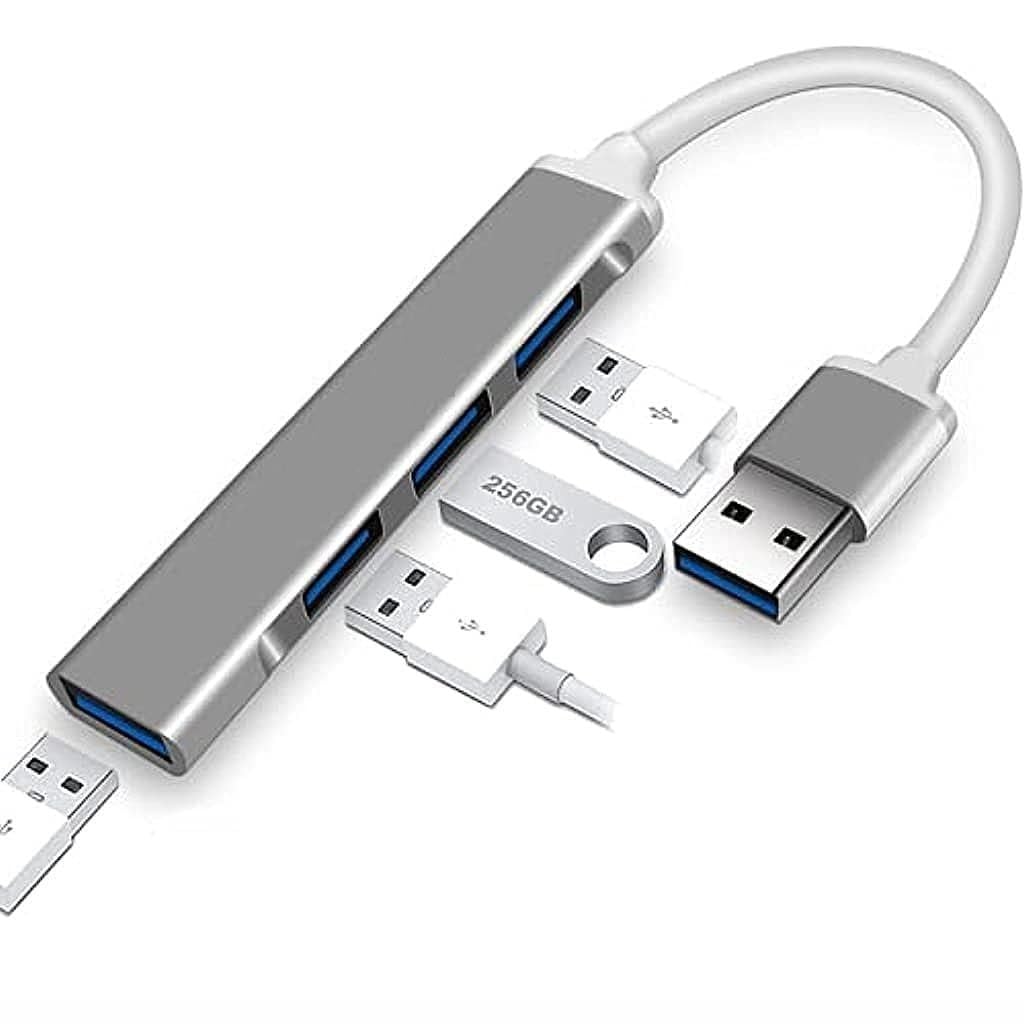
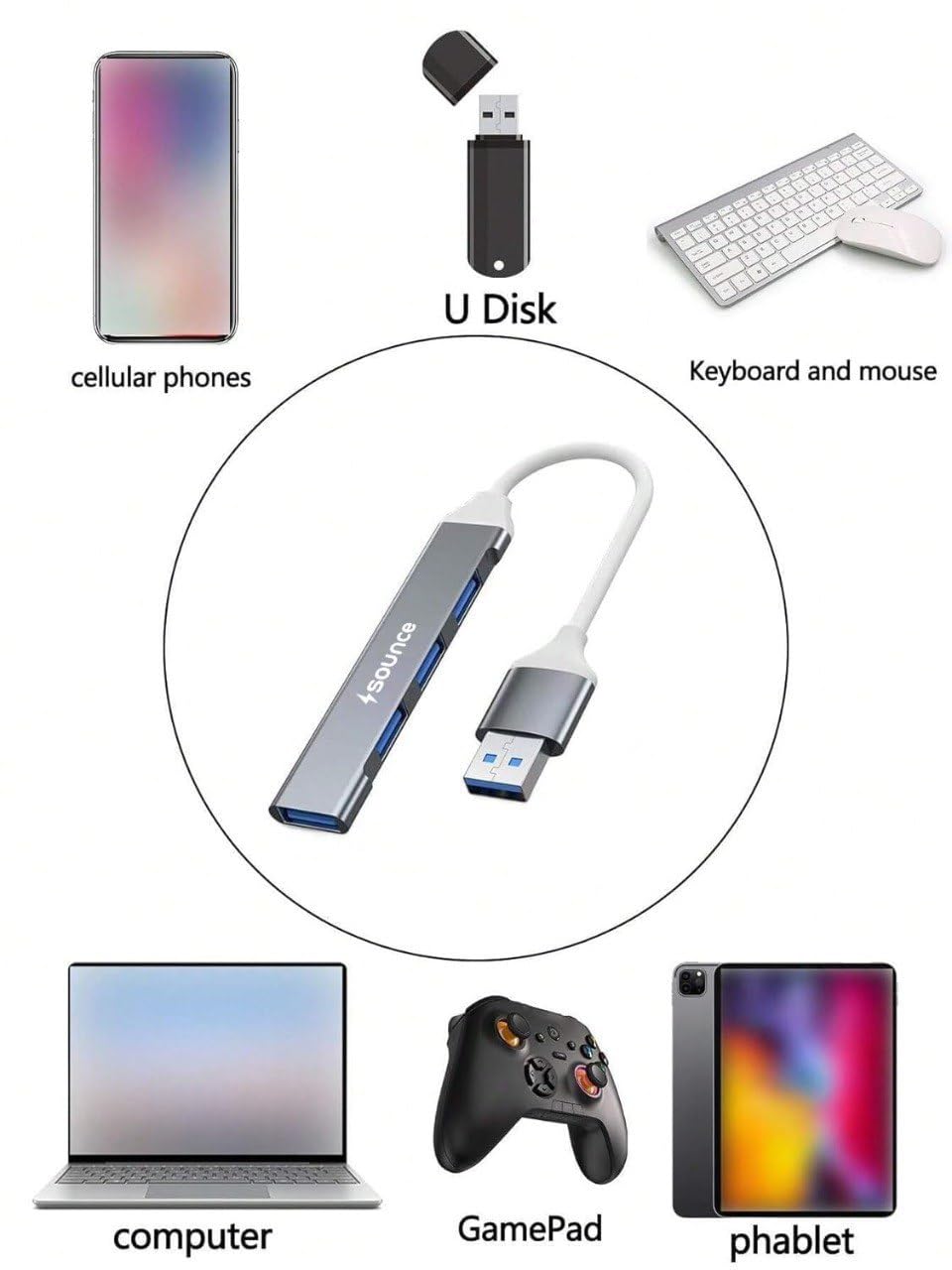
4-in-1 Ultra Slim USB Hub – High-Speed & Universal Connectivity Expand your device connectivity effortlessly with this 4-in-1 Ultra Slim USB Hub, designed for speed, convenience, and portability. Featuring 1× USB 3.0 port and 3× USB 2.0 ports, this hub allows you to connect multiple USB devices simultaneously while maintaining stable and efficient performance. The USB 3.0 port supports data transfer speeds up to 5 Gbps, making it ideal for fast file transfers with external hard drives, pen drives, and other high-speed devices. The 30 cm integrated cable offers flexible placement and reduces strain on your device’s USB port. With its slim, lightweight design, this hub is perfect for home, office, or travel use. It is universally compatible with laptops, PCs, speakers, keyboards, mice, hard drives, and more—no drivers required, just plug and play. Key Features: 4-in-1 USB Hub: 1× USB 3.0 + 3× USB 2.0 ports High-speed data transfer up to 5 Gbps (USB 3.0) Ultra-slim and portable design 30 cm durable cable for easy connectivity Plug & Play – no external power or drivers needed Compatible with laptops, PCs, speakers, hard drives, and other USB devices A compact and reliable solution to keep all your USB devices connected and running smoothly.
4-in-1 USB Hub: Equipped with 1× USB 3.0 and 3× USB 2.0 ports to connect multiple devices at the same time
High-Speed Data Transfer: USB 3.0 supports transfer speeds up to 5 Gbps for quick file sharing and backups
Ultra Slim & Portable Design: Compact and lightweight, ideal for home, office, travel, and on-the-go use
Universal Compatibility: Works with PCs, laptops, speakers, hard drives, keyboards, mice, pen drives, and other USB devices
Plug & Play: No drivers or external power required—simply connect and start using