
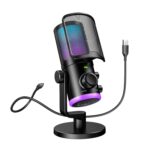




Fifine AMPLIGAME AM6 Gaming PC Microphone, USB Streaming Microphone with Game Chat Balance, Computer Condenser Desktop RGB Mic with Mute Button, Noise Cancellation for Podcast/Twitch/Discord
Original price was: ₹6,990.00.₹4,990.00Current price is: ₹4,990.00.
Price: ₹6,990 - ₹4,990.00
(as of Mar 24, 2026 11:58:43 UTC – Details)
Product Description
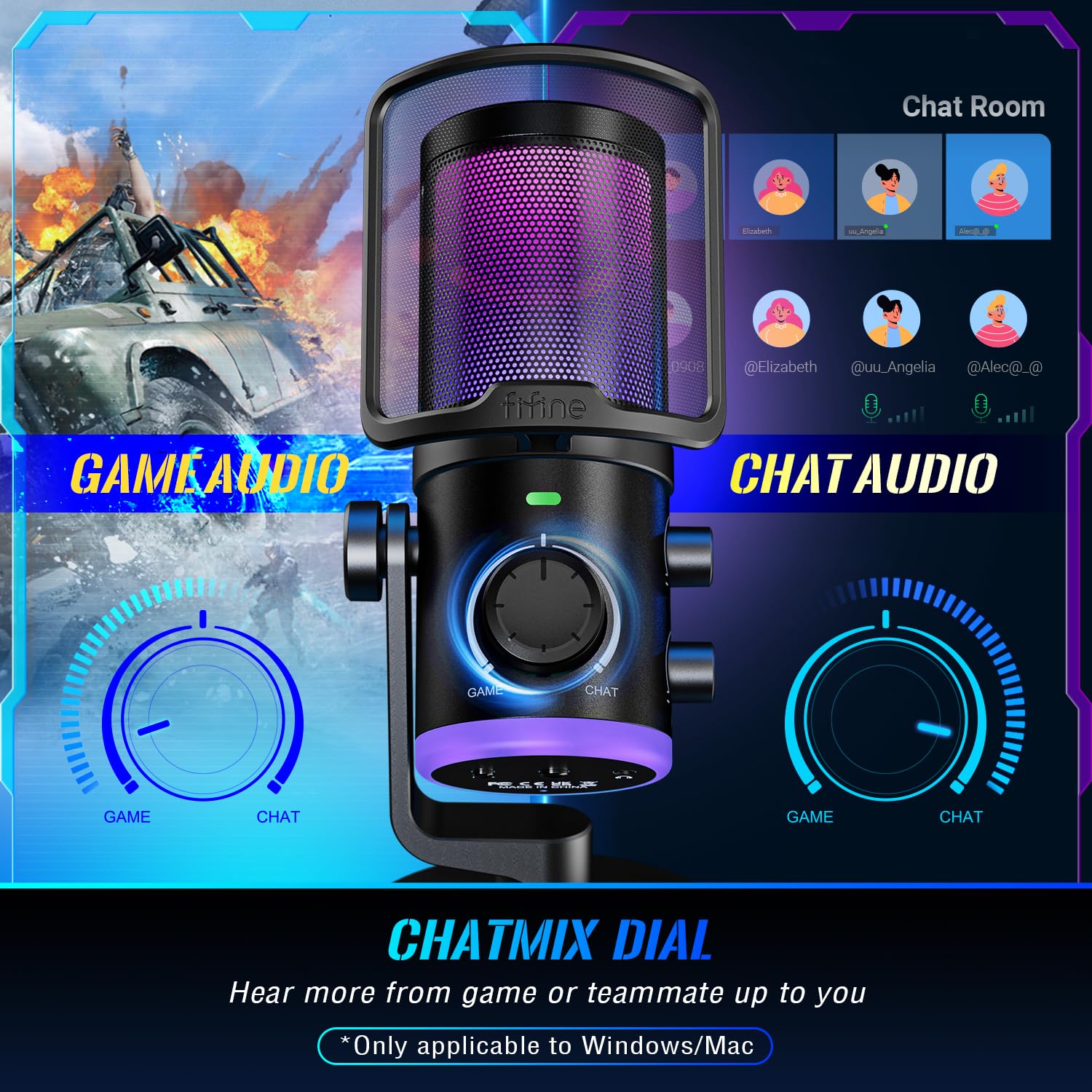
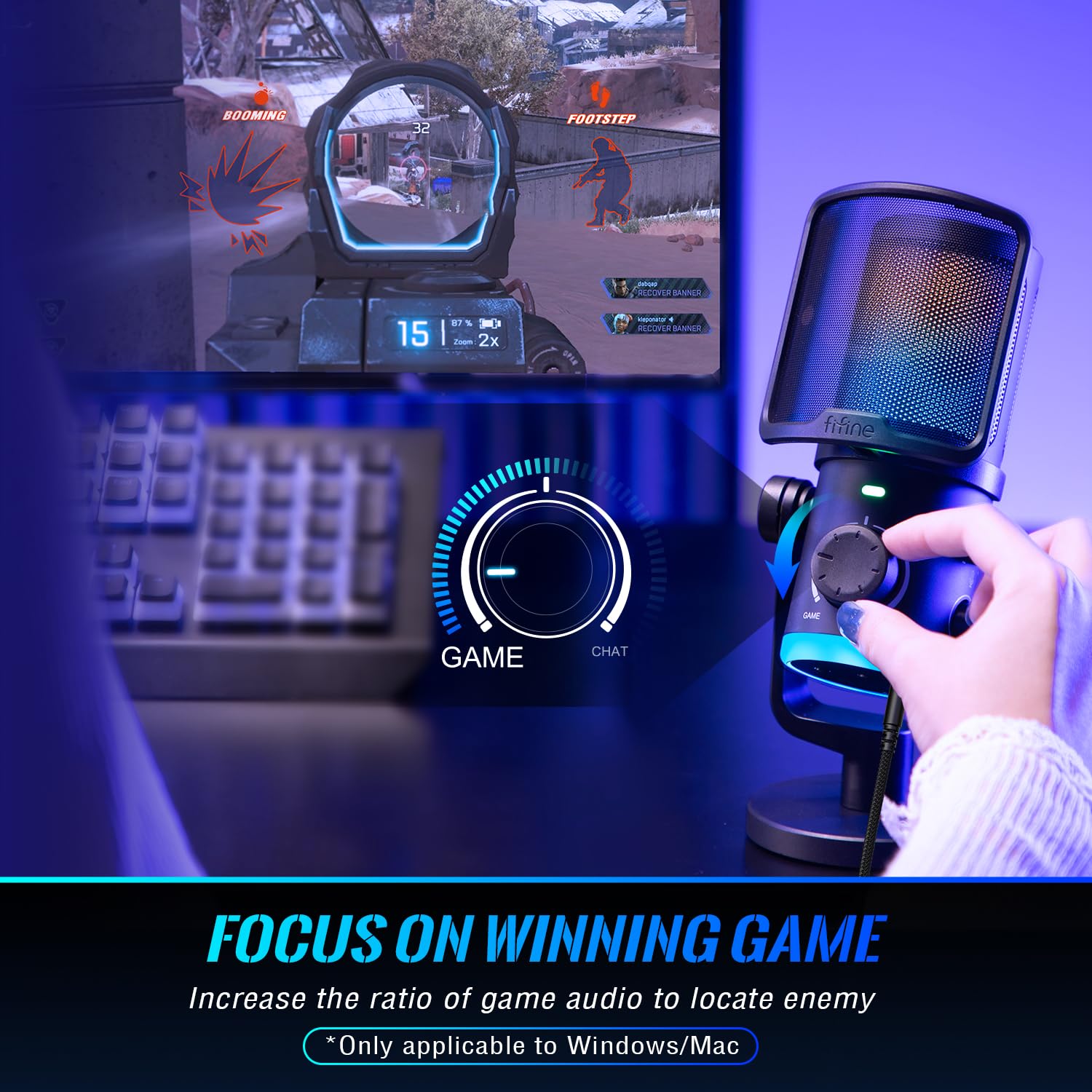
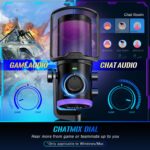
 ChatMix Dial
Offer the flexibility to fine-tune the audio balance according to your preference.
 Intense Game Performance
Enjoy an unrivaled gaming experience with enhanced audio clarity.
 More Precise Conversation
Take your game communication efficiency with teammates to the next level.

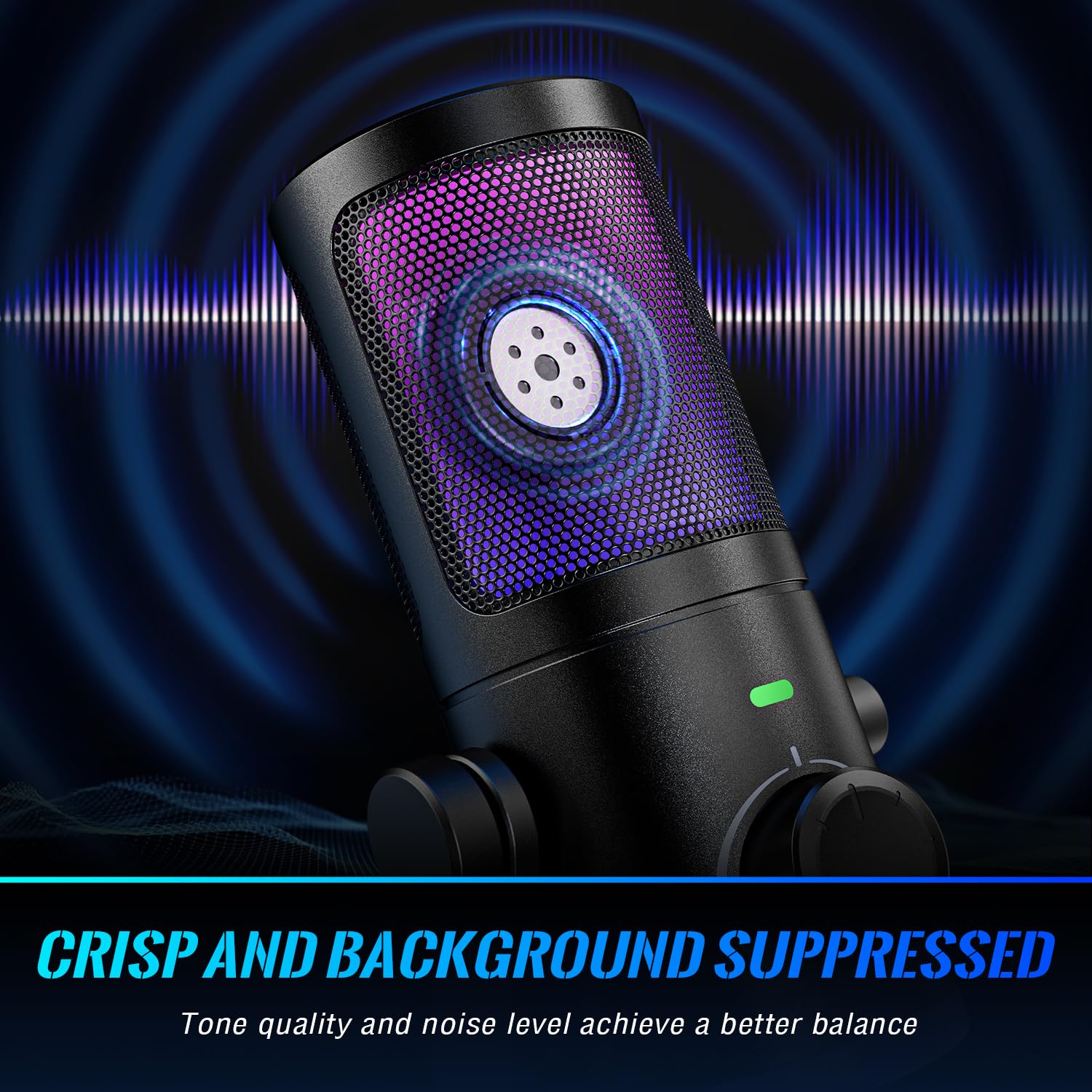
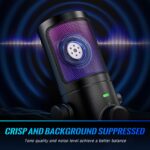
Eliminate background disturbances to focus solely on your game and communication.

Say goodbye to frustrating interruptions and resulting in a smoother gaming sessions.

Dampen the noises likes puffs of air or harsh consonant sounds.
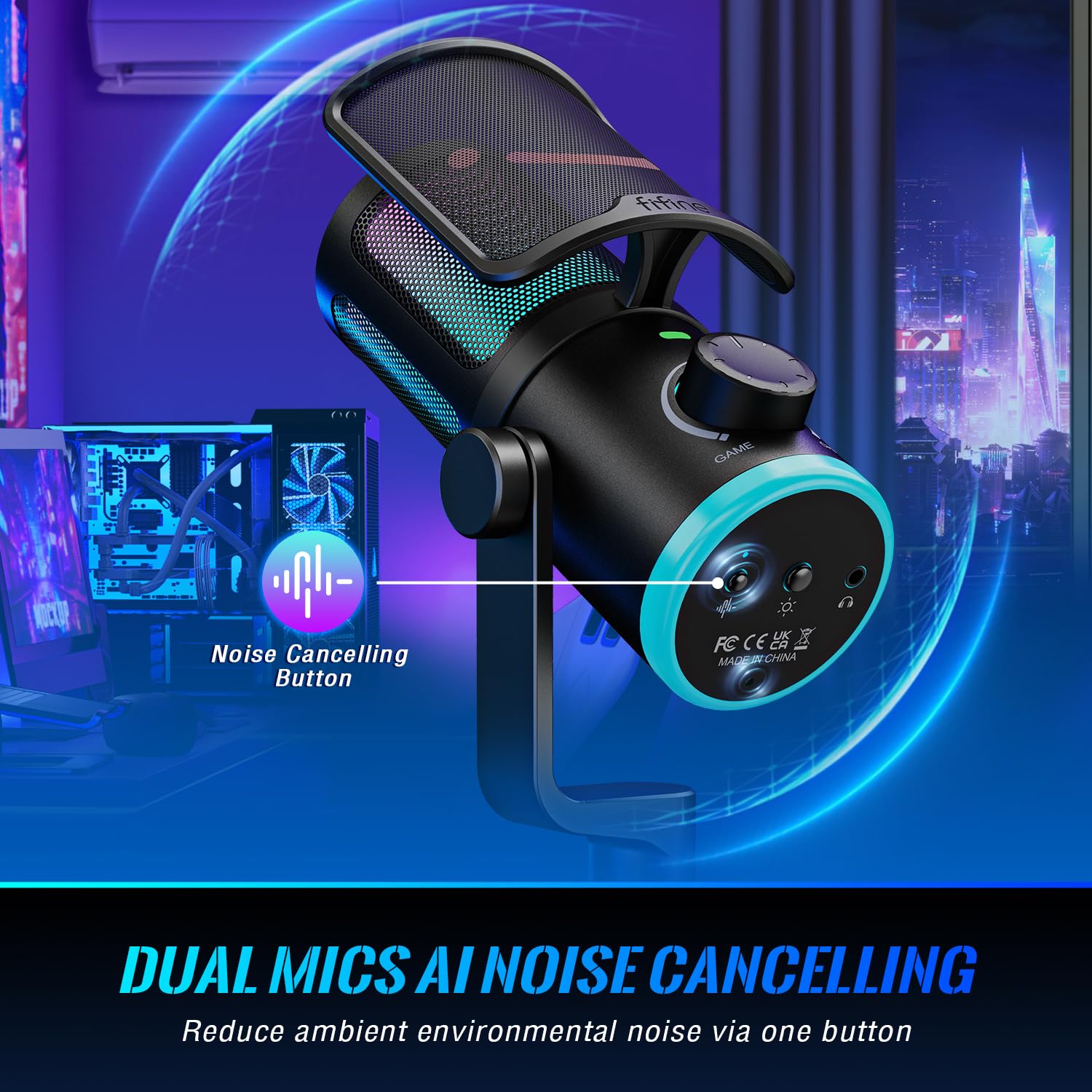
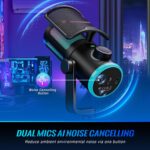
1 Dual Mic Denoise
2 Highly Concentrate
3 Detachable Pop Filter


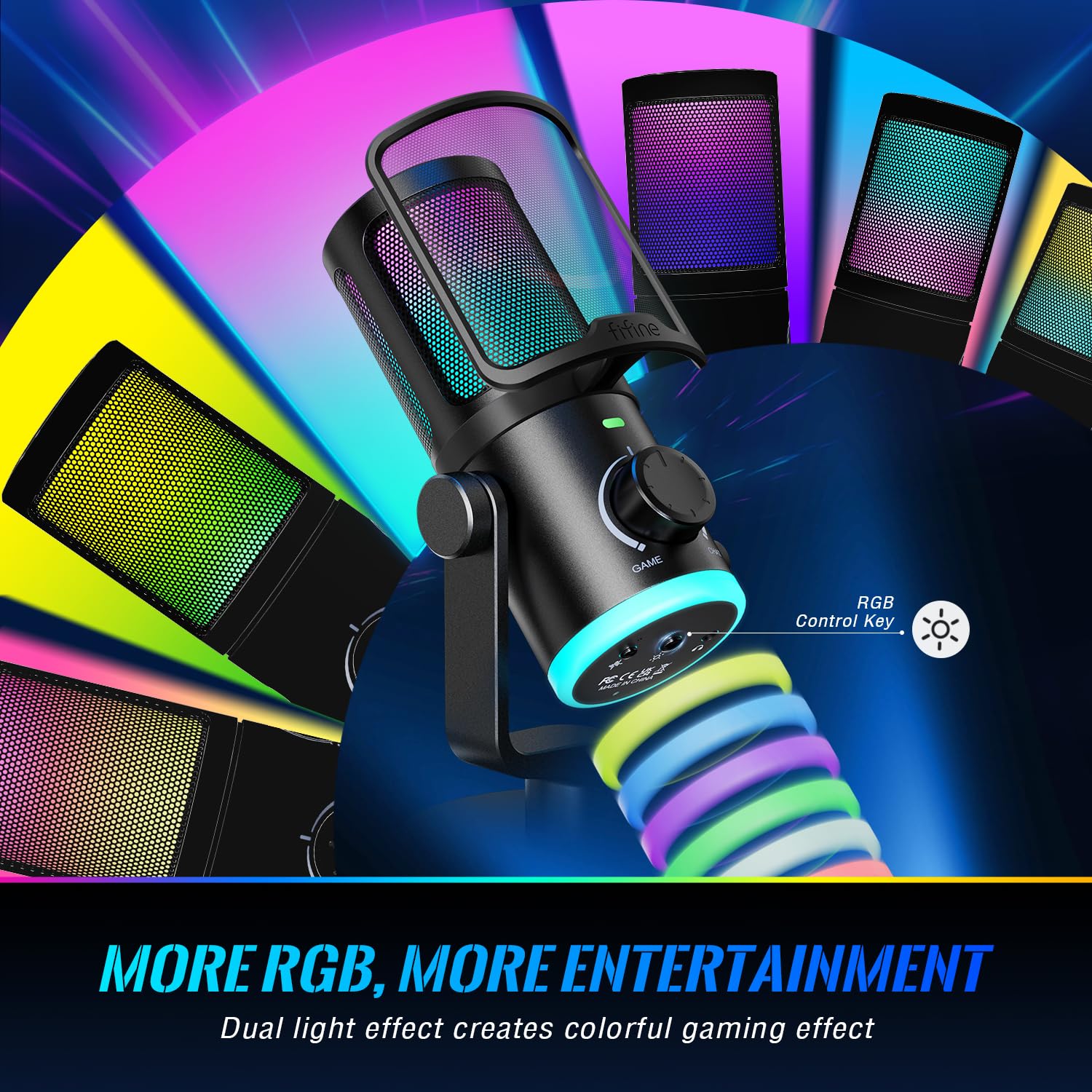
Create a visually stunning atmosphere while you are gaming.

1 Viberant RGB Lighting
2 Mesmerizing RGB Applied
3 Switchable RGB Mode

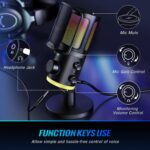
Provide a satisfying tactile feedback, ensuring every command is completed accurately.

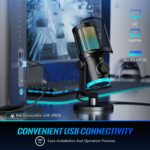
No need for tedious settings and start using with a quick and immediate setup process.

Allow to position mic at the optimal distance and angle for clear audio capture.
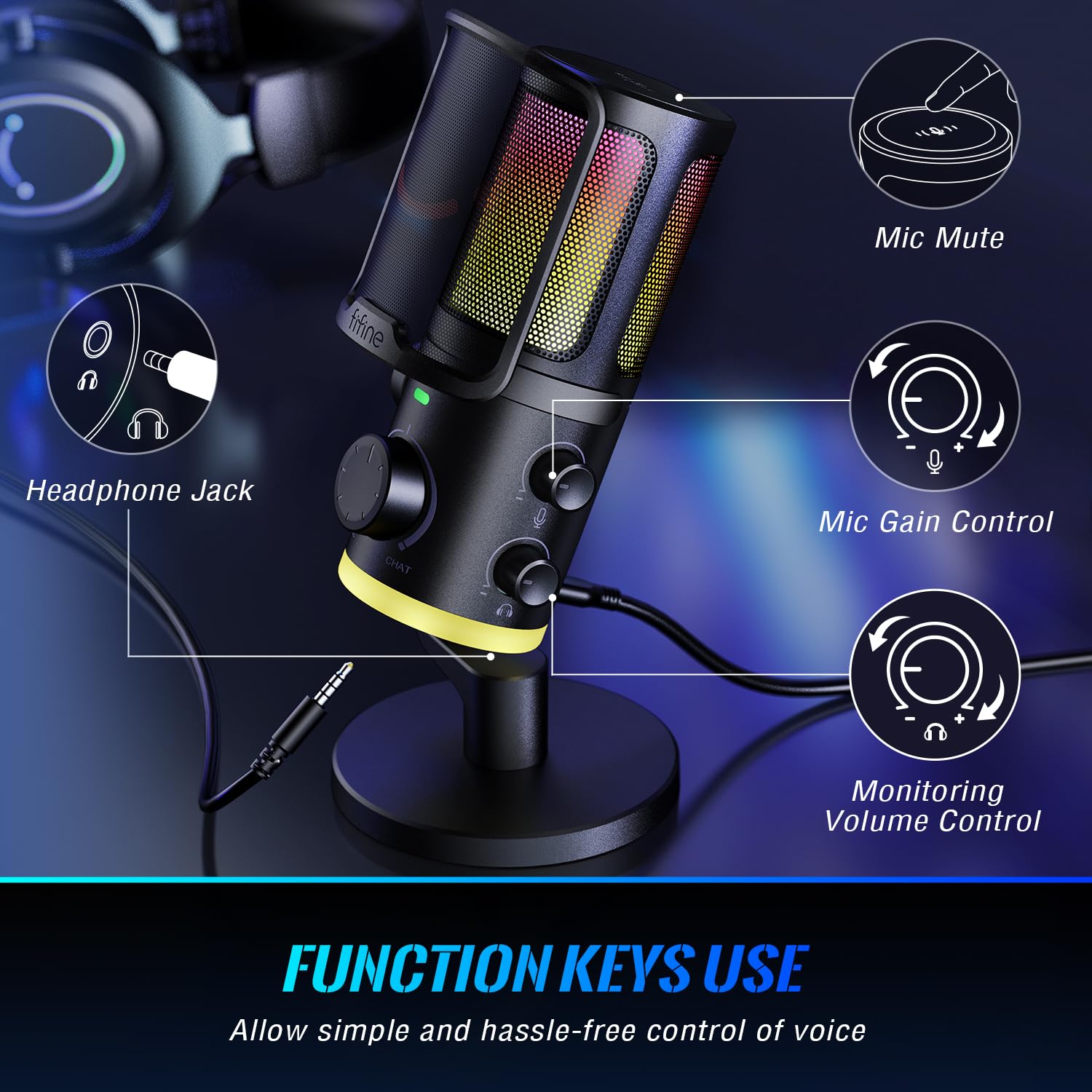
1 Convenient Control
2 Plug and Play
3 Paired with Boom Arm
How to use the Game/Chat Balance knob in Game and Chat applications?
Firstly, please select “fifine Chat” as the input device in both apps. Then select “fifine Chat” as output device in Chat app and “fifine Game” in Game app. Turn the knob more to the right and get louder sound from Chat app. The same in Game app
Does it have noise suppression?
Yes, this microphone has a dual mics denoise system and a noise canceling button. You could press the button to eliminate surrounding noise
How to monitor my real-time voice in Windows?
The monitoring feature of the mic is turned off in default. Please search “sound control panel”, double click the “fifine chat” under “playback devices”, under the “level” tab, and unmute the microphone level option (Windows)
Does it work with Xbox?
No. This PC USB microphone is not compatible with Xbox but works with desktop, laptop, PS4/PS5
Can I control RGB light?
Yes, you can long press and hold for 3 seconds to turn on or off RGB lighting without affecting the work of the mic. And short press to select 4 kinds of RGB mode and over 10 colors of RGB light
[ChatMix Dial] Game:Voice balance on the PC gaming microphone lets you easily adjust the audio ratio of game to voice chat. Balance how much game sound and voice chat you want to hear, seamlessly shifting between immersion and strategy. Dial up the game audio to catch footsteps and rustling to lock the position of enemy for a competitive edge. When you stand apart from your squad, turn up the chat ratio to clearly hear the direction your teammate pointing for quicker reaction.
[Dual Mics Denoise] The USB microphone, utilizing technology of two mic denoise to keep out surrounding noise, synthesize and process two signal from voice and ambient sound. Gaming with your squad is full of strategic communication. Activate noise canceling button to shut down the sounds that keep you from performing your wish. The computer microphone delivers your clear commands and tactics to teammates who concentrate on your calling to reach new heights team work.
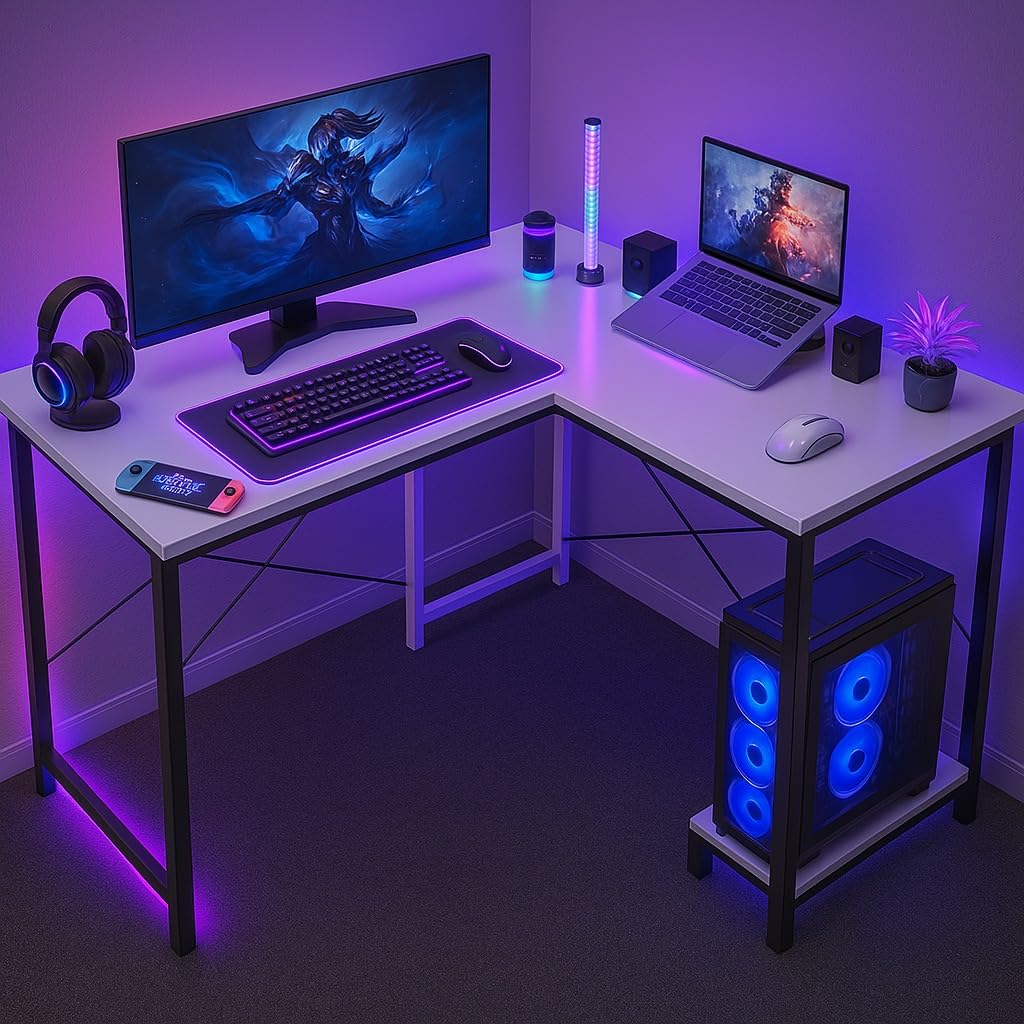
[Controllable RGB] The USB PC microphone features dual light effect with the top and underneath light design. Visualize the electrifying ambiance when you control the vibrant RGB lights up to your gaming experience. The RGB on streaming mic body match your LED wall lights and PC host flowing colors. The low-profile RGB underneath the mic creates an aesthetic with your glowing mouse pad and keyboard. The youtube microphone drops your computer setup into a vivid light show.
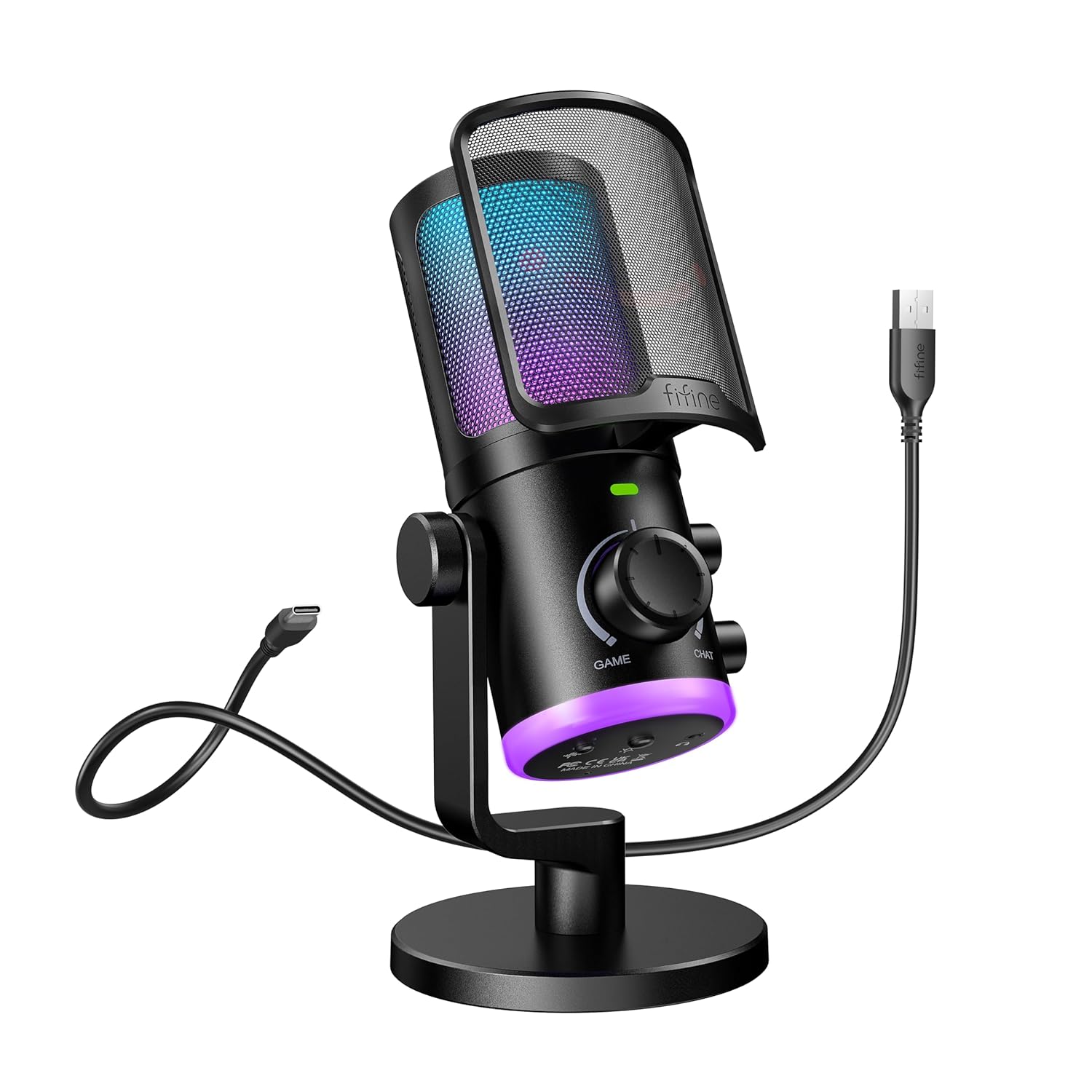
[Intuitive Function Use] Function keys on the condenser microphone simplify certain operations on PC. A tap to mute button cloaks your voice. Keep your league undisturbedly focusing on crucial in-game moments to take firm action. To follow up the pace of gaming, real-time monitoring lets you keep track of your voice beats. With gain knob and headphones volume control at your fingertips, easily amplify whispering breeze for intensity adventure or lower thundering explosion for quieter moments.
[Instant USB Setup] No complicated installations or drivers required for the podcast microphone. The USB microphone for PC is plug and play, providing instant compatibility of PS4/PS5/MAC OS/WINDOWS with your gaming setup. The desktop mic give simple way to connect and record. Spend more time gaming but less time troubleshooting.
Tips: 1) Game/Chat balanced knob function is only applicable to desktop, laptop or Mac, but unavailable for PS4/PS5. 2) Real-time monitoring is not activated by default on PC setup. Follow steps to activate real-time monitoring on PC. Click “Playback” tab from the Sound Panel-Double click “fifine Chat”-Levels-Click the speaker icon of microphone level to activate.